Choosing software
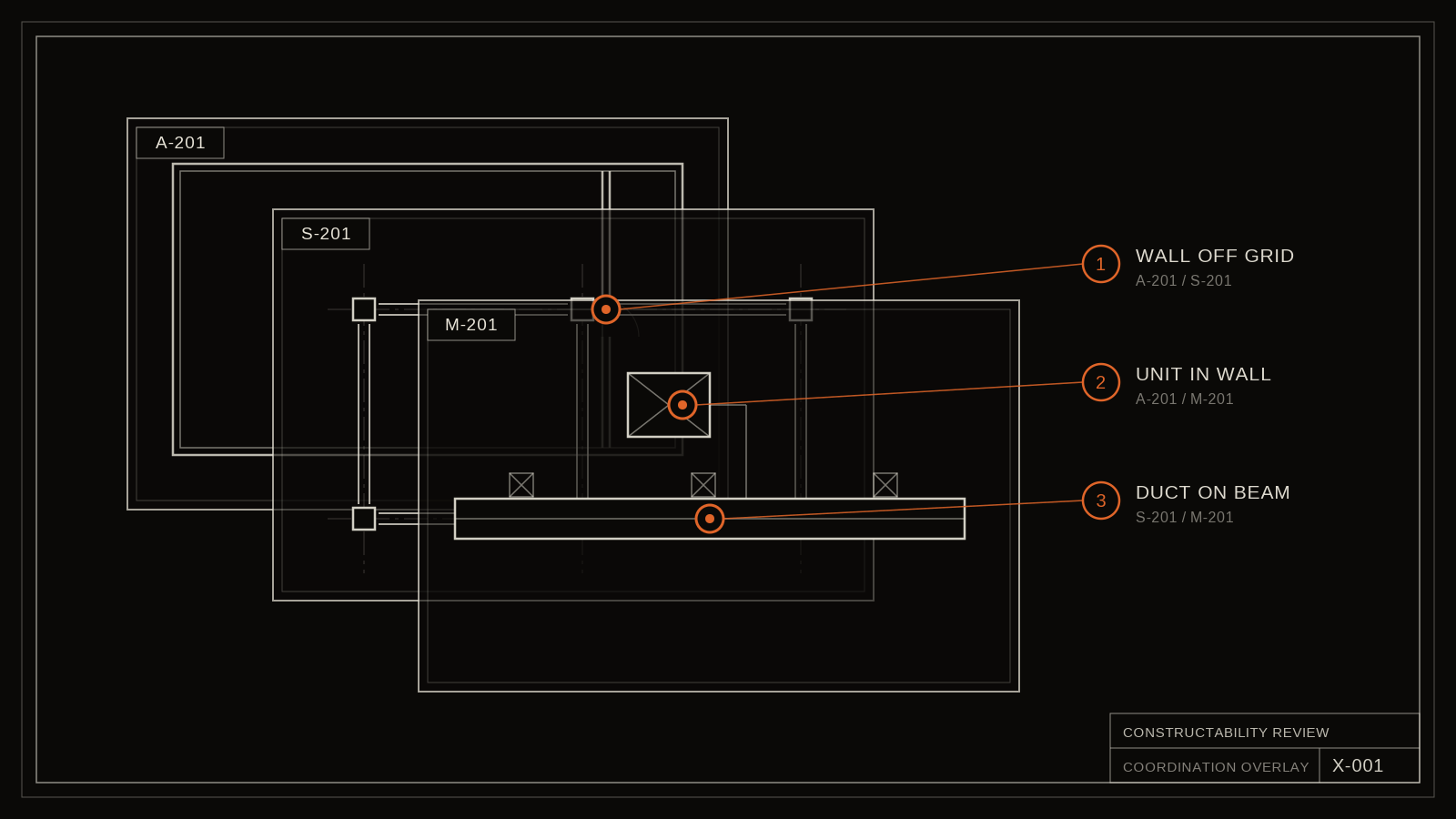
Constructability review software
Constructability review software helps a general contractor find problems in the drawings before work starts. Here is what it is and how Struxen does it.
What general contractors need construction management software to hold, from the project record to a constructability review, and how Struxen is arranged.
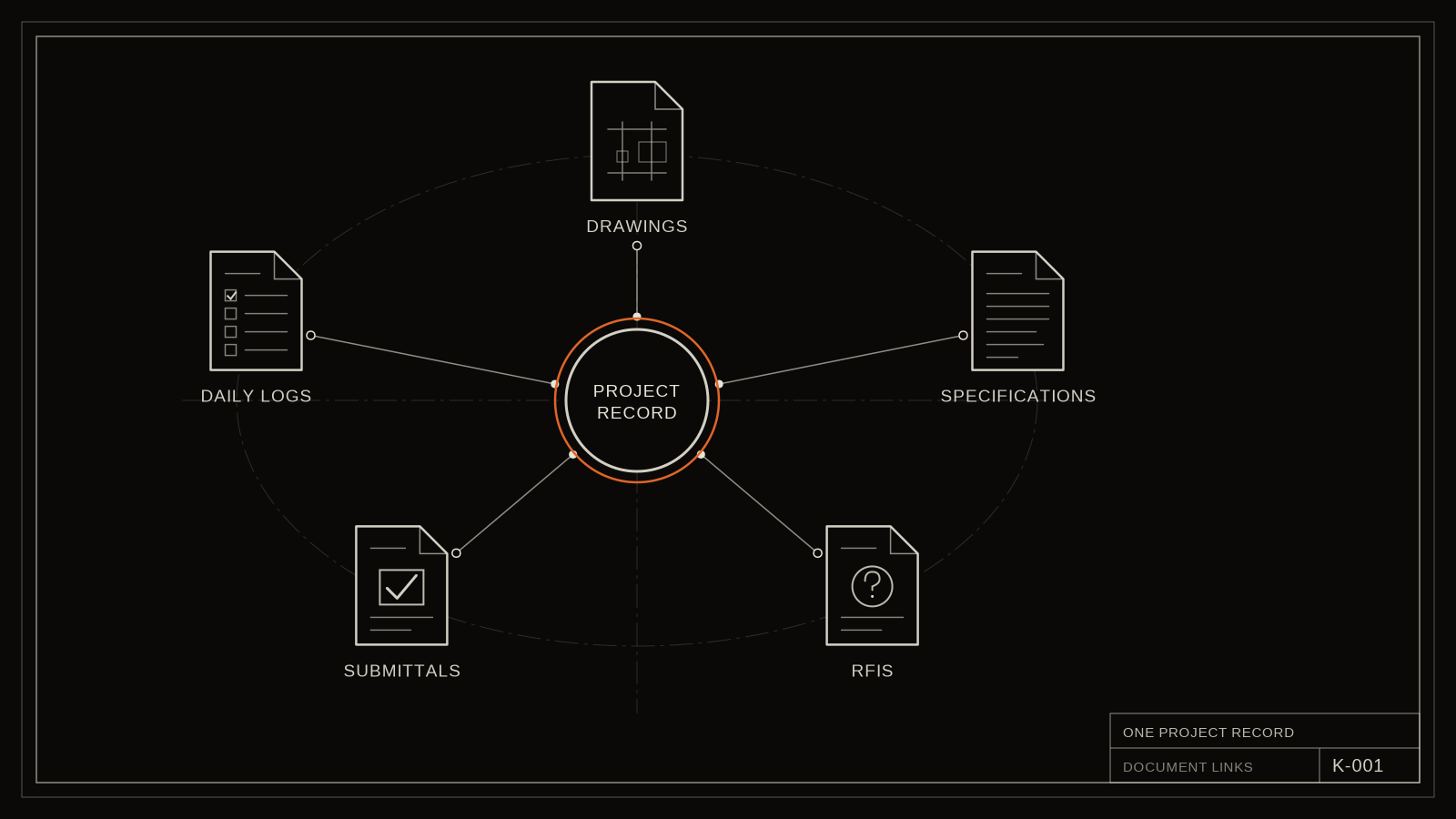
General contractors already run a job from a set of records: the drawings, the specifications, the RFIs, the submittals, the schedule, the daily log, and the punch list. Construction management software is the place those records live, so the office and the field are looking at the same thing.
The software also has to deal with the quality of the set itself. A well-kept RFI log does not help if the question was sitting in the drawings the whole time and was only asked after the work was installed. That is why a constructability review belongs next to the project record, not in a separate pile of markups.
This page explains what that software needs to hold, and how Struxen is arranged. It is not a ranking of vendors, and it does not compare products by name.
A general contractor needs one place for the current drawings and the project manual, with each sheet at its current revision. They need a way to issue questions and get an official answer. They need submittals routed and stamped. They need a schedule, a daily log that can be locked when the day is done, a punch list with a clear owner, meetings that carry open items forward, inspections, and photos that can be found later.
If those things live in different systems, the record of the job is the inbox. People spend the day hunting for the current sheet.
The software should also help with the work of reading the set: searching it, drafting an RFI from a problem that was found, and checking a submittal against the spec. A person still approves that work before it is issued.
Struxen Core is that record. It holds drawings, specifications, RFIs, submittals, the schedule, daily logs, punch, meetings, inspections, and photos. The Core page also covers the sheet viewer, documents, transmittals, observations, and safety.
Drawings can be uploaded as a PDF. Each sheet's number and title are read, and you confirm them before anything is published. A daily log is one record per day and locks once it is completed. A failed inspection line can become a punch item.
Project and document management is free. Every project has unlimited users. The details are on the pricing page. Struxen is invite only. People request access, and the team gets them onboarded.
STRUX is the SI layer on that same record. It reads the drawing set so you can search it. It drafts RFIs, and a person approves each one before it is created. It checks each submittal against the spec and returns a verdict. Standing agents can read the project on a schedule and draft what needs chasing, and a person approves each draft.
Agents draft. They do not act. An agent cannot edit an RFI, close a punch item, or change a schedule. If a number is not in the documents it read, STRUX says the number is not there.
That work sits on the same project record as Core.
The record tells you what was issued and what was answered. The review asks whether the issued set can be built.
Struxen's identity is a constructability review system. VANTAGE is that review. SI agents build the project step by step, the way a builder would, and report what cannot be built as drawn. You receive findings, not a model. A person reviews each finding and can accept it, dismiss it, or have an RFI drafted from it.
Keeping that review on the same record as the drawings and the RFI log means a finding does not have to be retyped into another system to become a question. It also means the people who run the job are looking at the same set the review was run on.
For more on that work, see constructability review software and how it works.
The knowledge the agents work from is built from the field knowledge of working builders. The founder, Justin K Schaad, has over two decades in the trades. The review is built from that point of view, not from a list of generic software features.
Two other products sit on the same record.
Ledger covers the money: budget, commitments, change orders, pay applications, and retainage. ACx covers commissioning: the equipment register, checklists, functional tests, and the issues log.
Request access and say which you want if they are the reason you are here.
You do not have to move every job at once. The platform page says you can keep your current system on the jobs it runs and put the next one on Struxen.
Start with the record: upload the set, keep the RFIs and submittals in one place, and use SI to search the drawings and draft the work a person still has to approve. If you want to help shape the constructability review, say that when you request access.
No. You can keep your current system on the jobs it already runs and put the next one on Struxen.
Project and document management is free. The details, including what is included in Struxen Core, are on the pricing page.
No. Agents draft. Nothing is sent without a person. An agent cannot edit an RFI, close a punch item, or change a schedule.
Choosing software
Constructability review software helps a general contractor find problems in the drawings before work starts. Here is what it is and how Struxen does it.
Drawings and revisions
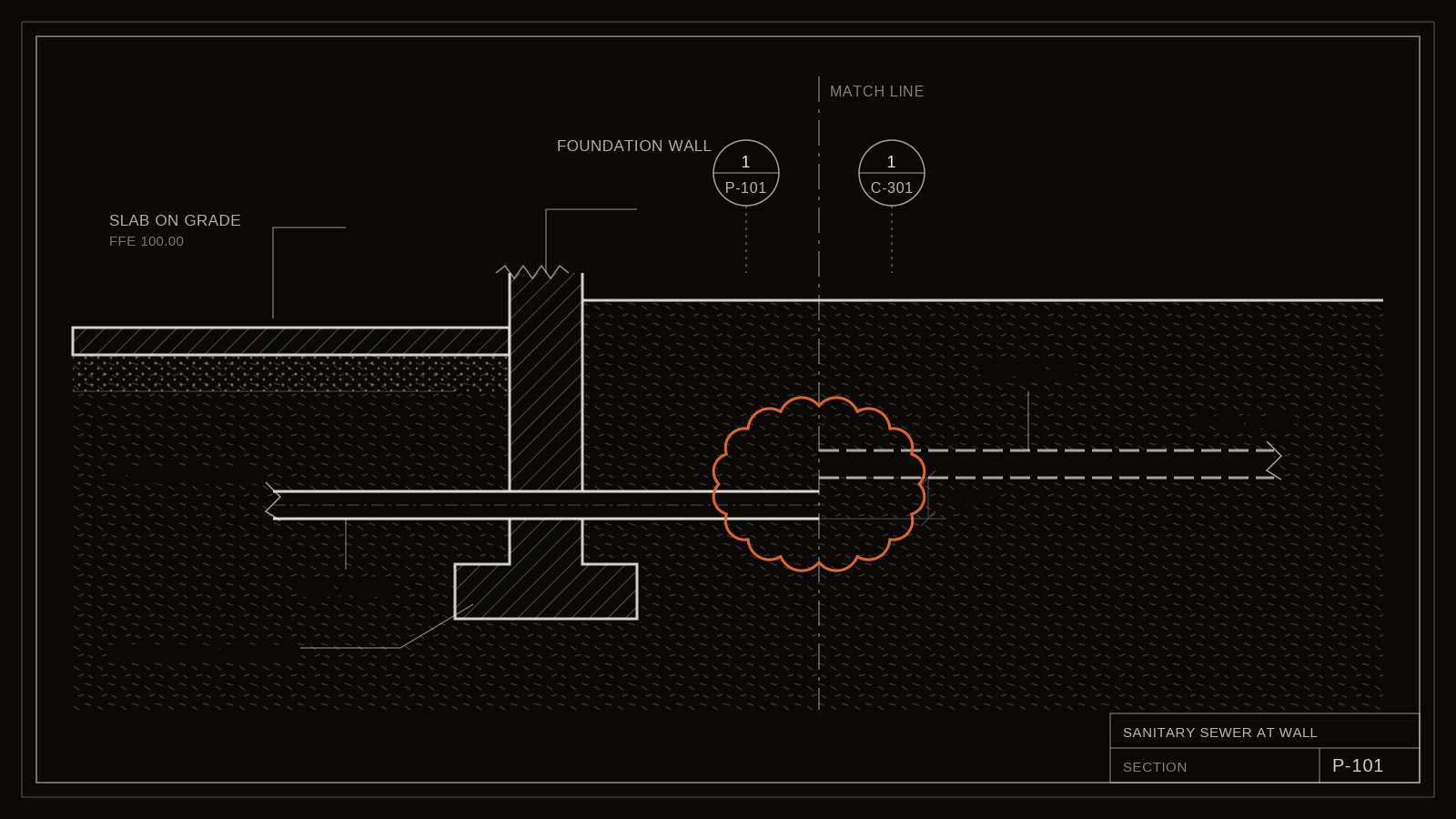
How errors and omissions in construction drawings reach the field, what it costs when they are found late, and how Struxen is made to find those problems.