For general contractors
Project management that reviews the drawings. Its AI finds the conflicts that cost you money.
Run RFIs, submittals, schedule and daily logs in Struxen. The AI reviews each sheet against the other trades’ sheets, the specs, the submittals and the scope you bought out, and shows each conflict on the sheet.
Project management is free. You pay for the AI.
One platform
A complete AI-native construction management platform. Not just AI tools.
Struxen Core Project management Free
RFIs Submittals Schedule Daily logs Punch
STRUX AI agents
Questions Submittals Revisions RFIs
VANTAGE 3D build and review
Constructability review Cited findings 3D build
Ledger Financials
Budgets Change orders Pay apps Retainage
ACx Commissioning
Equipment Checklists Functional tests Issues log
What changes on your job.
The same people run the job. The AI does the cross-checking nobody has hours for. Nothing goes out unless your team allows it.
A bulletin lands
Today Someone overlays sheets for a day and hopes the unclouded changes show up.
With Struxen The changes, clouded or not, and what each one hits, on one list.
Before buyout
Today Scope gaps between trades surface after the subs are bought.
With Struxen The drawings are reviewed against each trade’s scope while the gap can still be priced.
A submittal comes in
Today It gets a stamp because nobody had time to check it against the spec and the schedule.
With Struxen It is checked against its spec section and the drawings, with the review comments drafted.
A conflict turns up
Today The RFI goes out days later, and the sheet references get dug up by hand.
With Struxen The conflict arrives pinned to both sheets, and the RFI draft carries them. A person approves it.
Startup and TAB
Today A bad reading is found by the engineer of record, or after the owner moves in.
With Struxen Readings are checked against the design values before the report goes out.
The platform
Run the job in Struxen. The AI reviews what comes in.
Drawings, specs, RFIs, submittals, schedule and costs sit on one project record. That is how the AI traces a change from one trade’s sheet to another trade’s submittal.
Finds the problems that cost money
STRUX AI agents
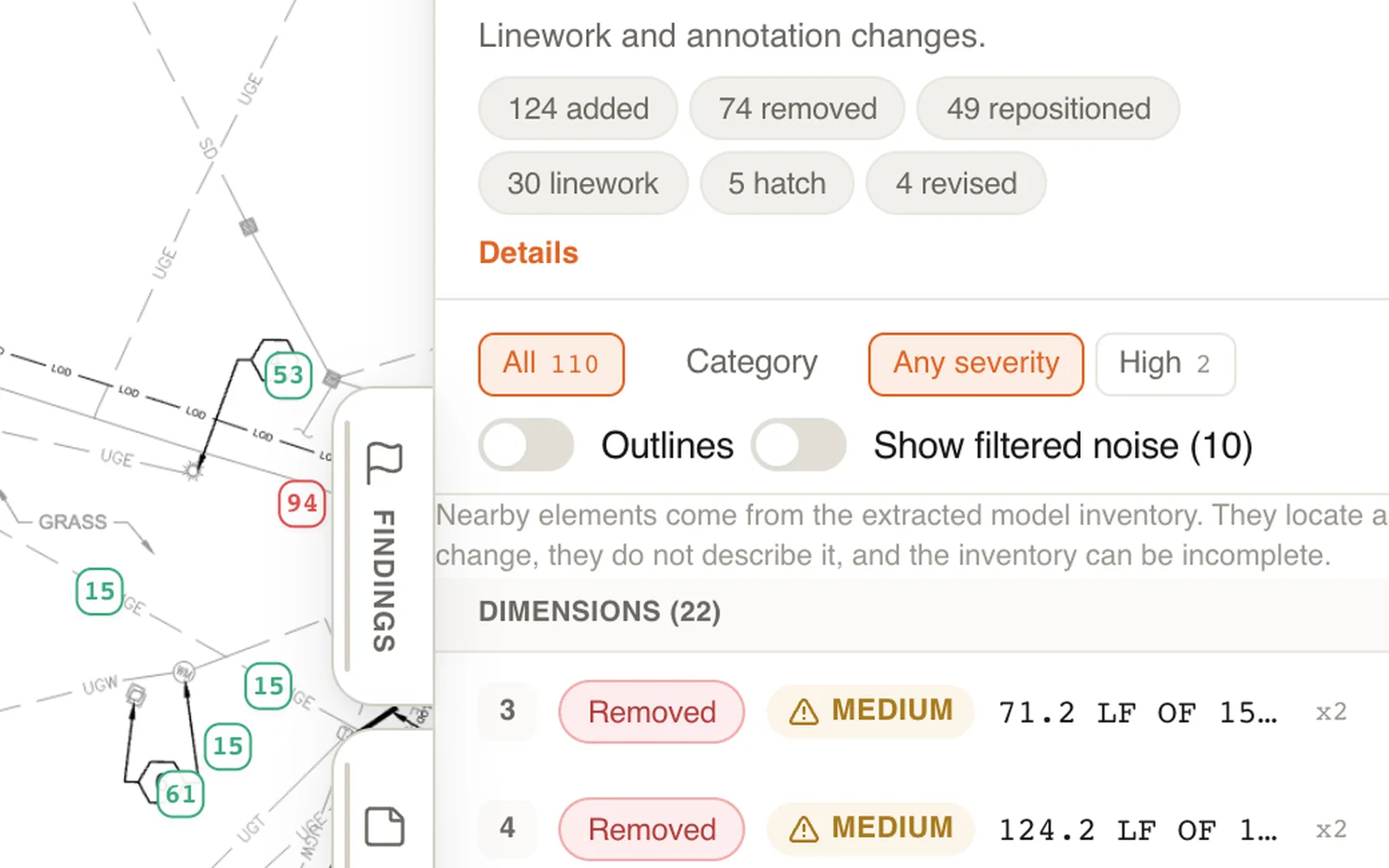
New drawings came in. What did they break?
Revision compare
Compares the new set to the last one, sheet by sheet, and lists every change, clouded or not, with what it hits on other trades’ sheets, specs and submittals.
On the job
Know what a bulletin touched before the work is bought, built or priced against it.
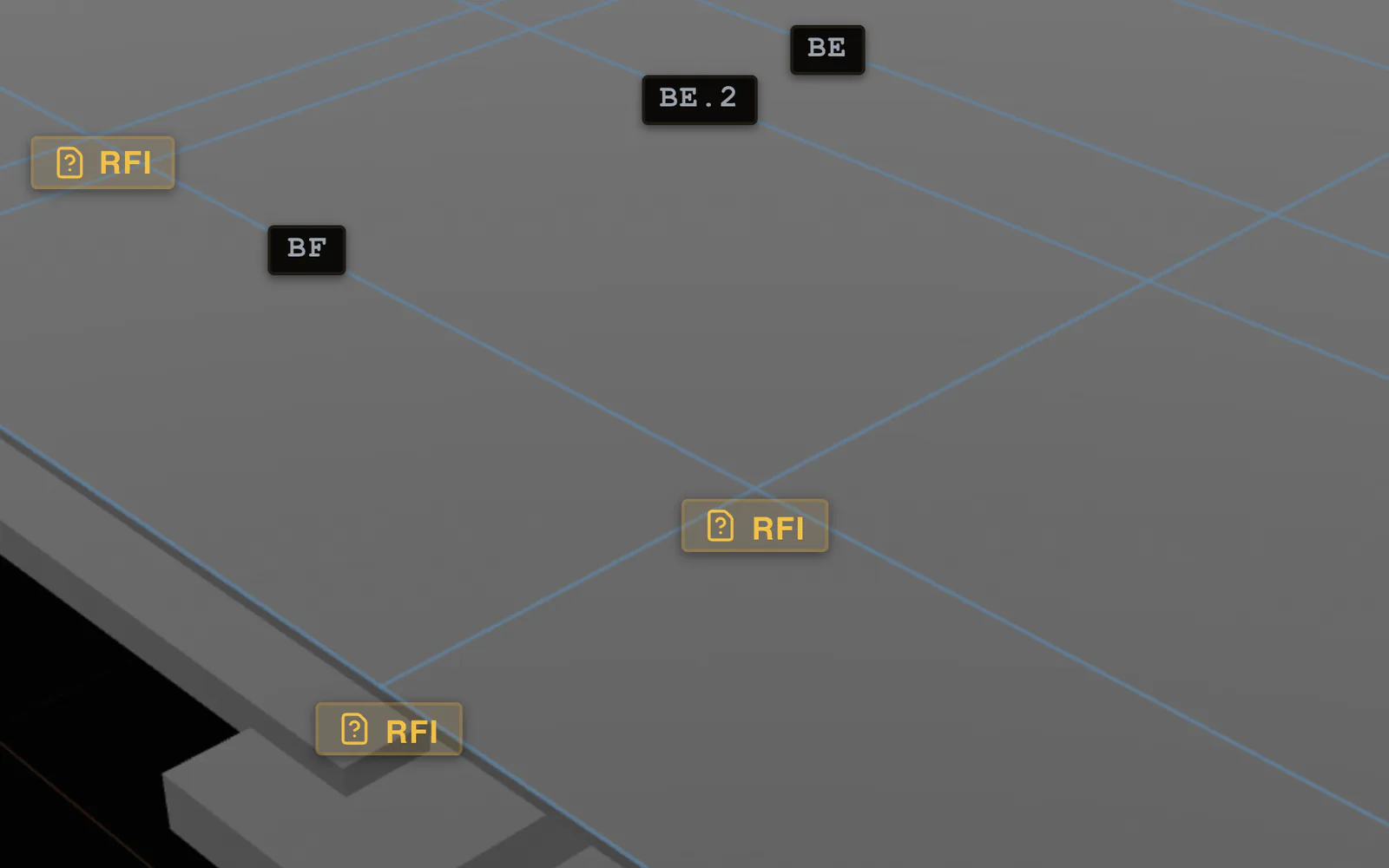
VANTAGE 3D build and review
While VANTAGE builds the set in 3D, it checks each trade’s sheets against the others and drafts an RFI where they disagree, for a person to review.
On the job
The question goes out as an RFI while it costs a phone call, not a tear-out.
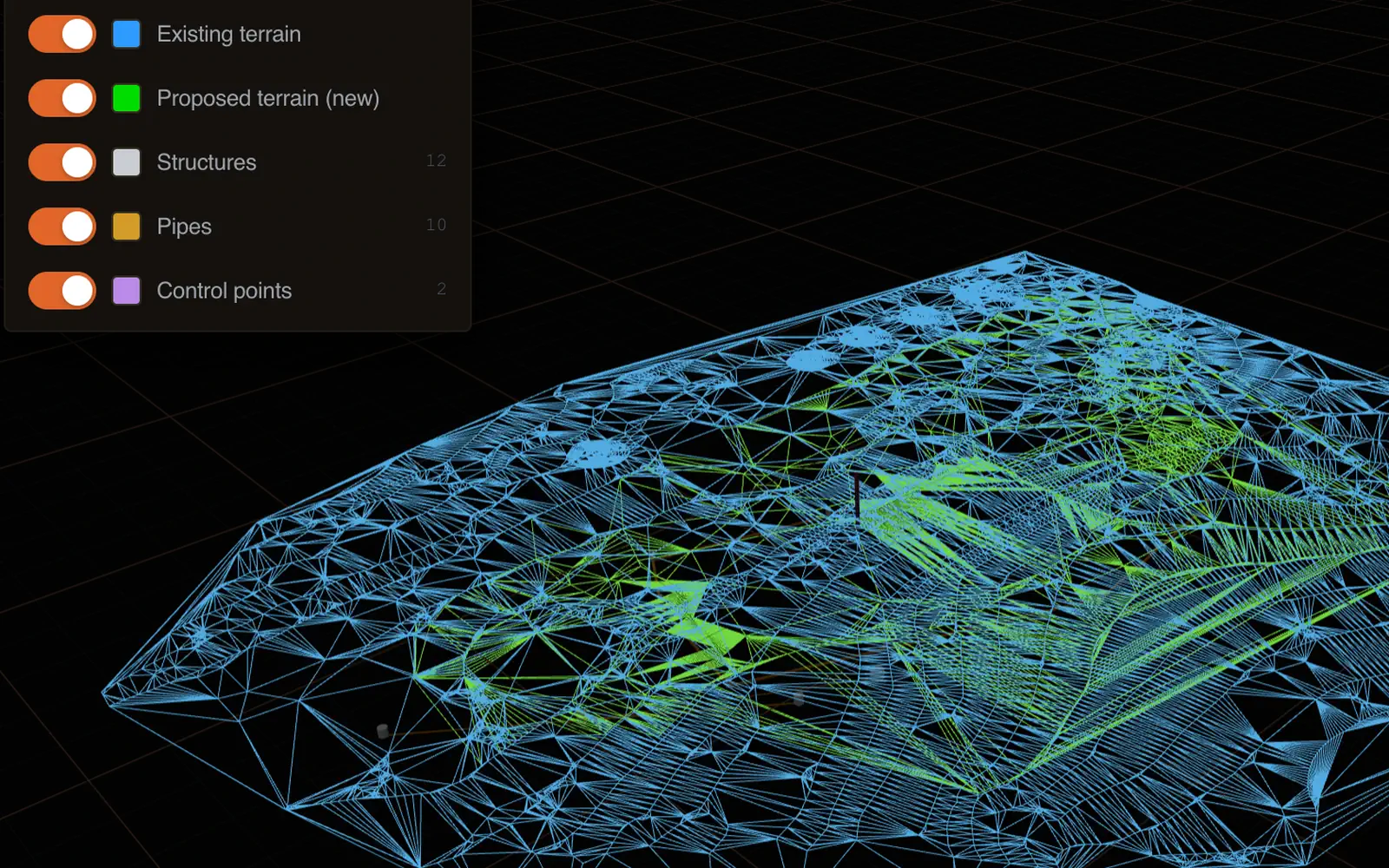
VANTAGE 3D build and review
Builds the site and structure in 3D from the drawing set, the way a builder would.
On the job
See what will not fit before the trade mobilizes.
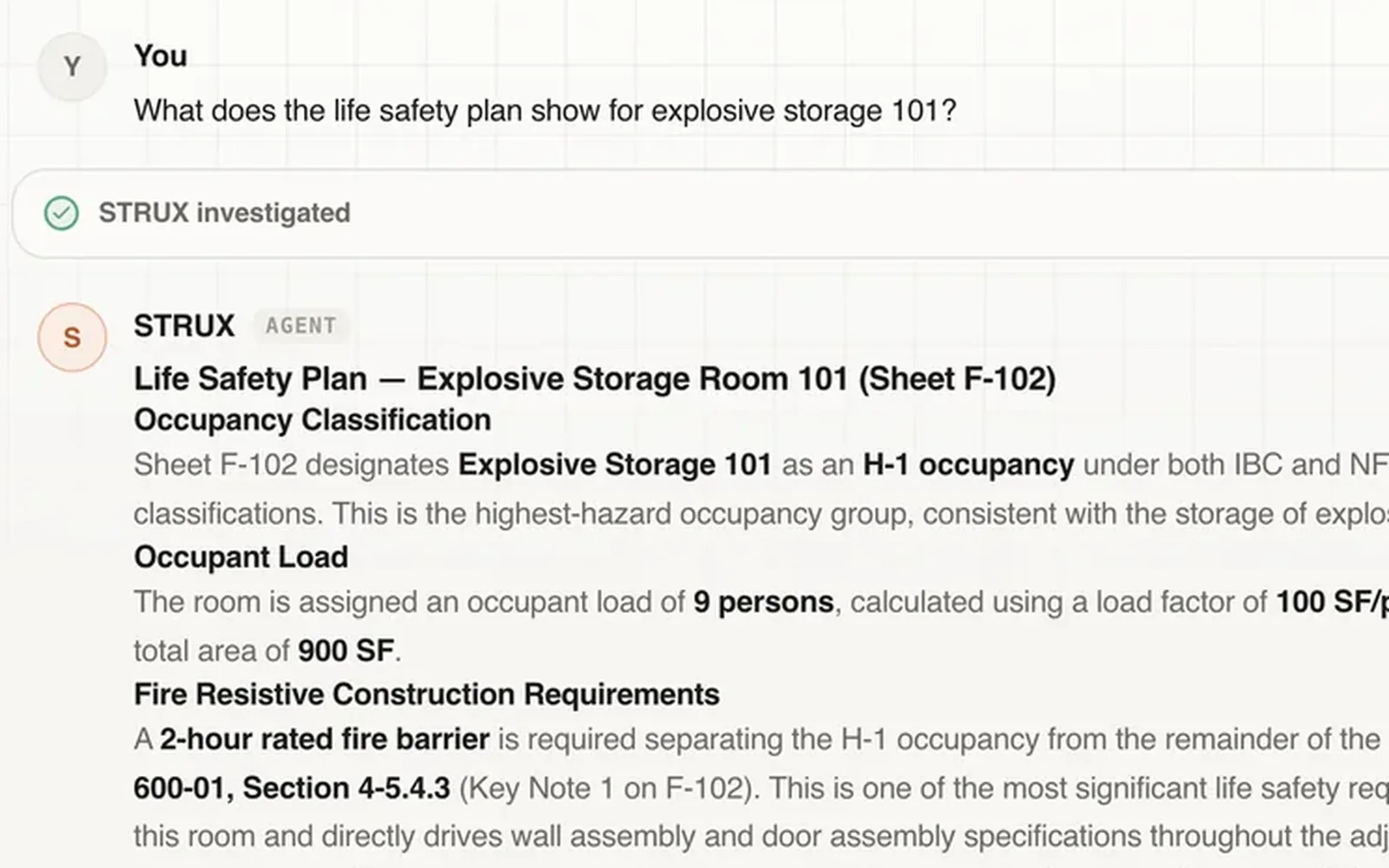
STRUX AI agents
Ask a question in plain English. The answer comes back with the sheets, specs and RFIs it came from.
On the job
The field gets an answer with the sheet attached, not a callback tomorrow.
Runs the job
Struxen Core Project management Free
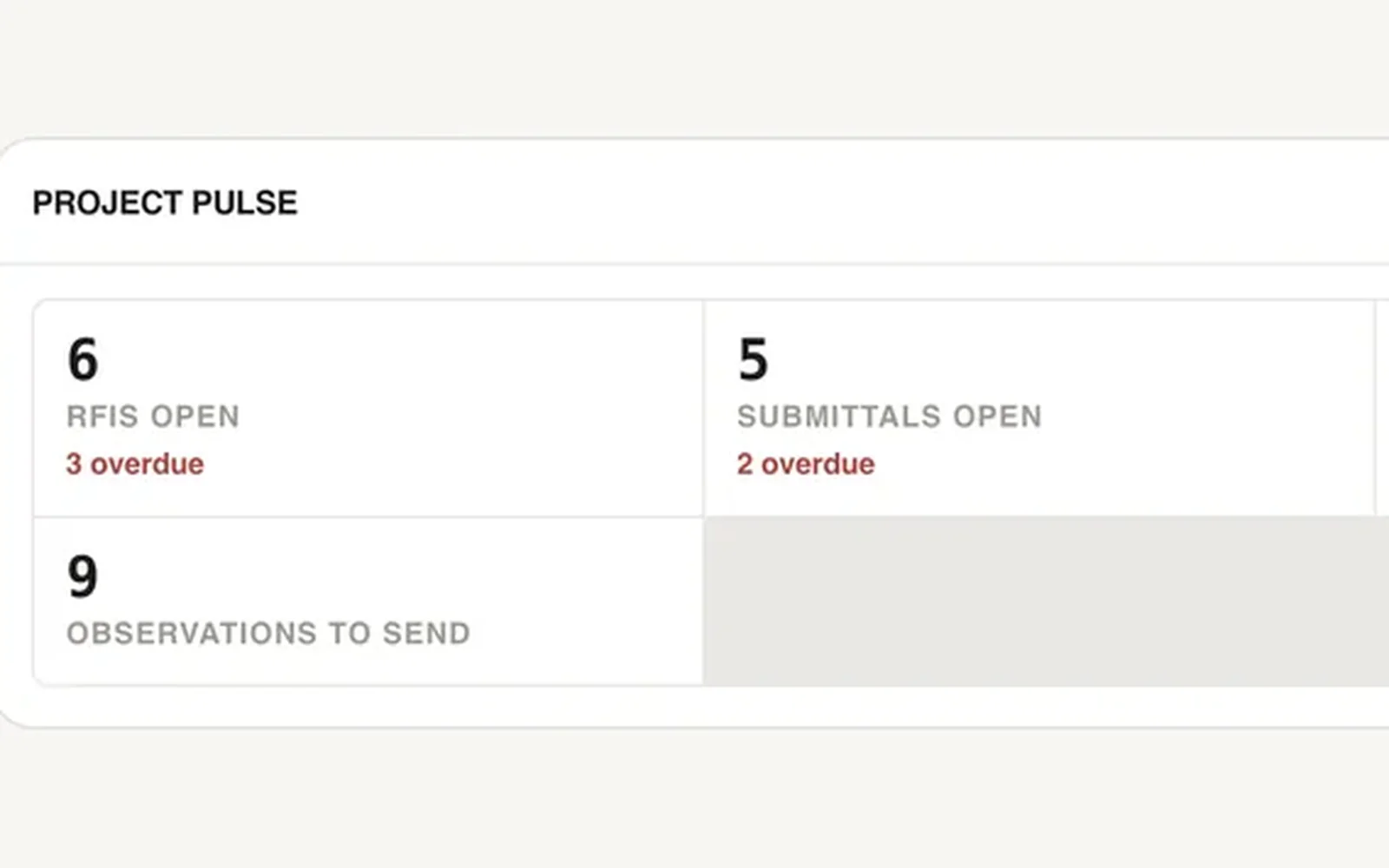
RFIs, submittals, drawings, specs, schedule, daily logs, punch, meetings and inspections in one place.
On the job
Free for unlimited projects and users, so the whole team works on the record the AI reviews.
Struxen Core Project management
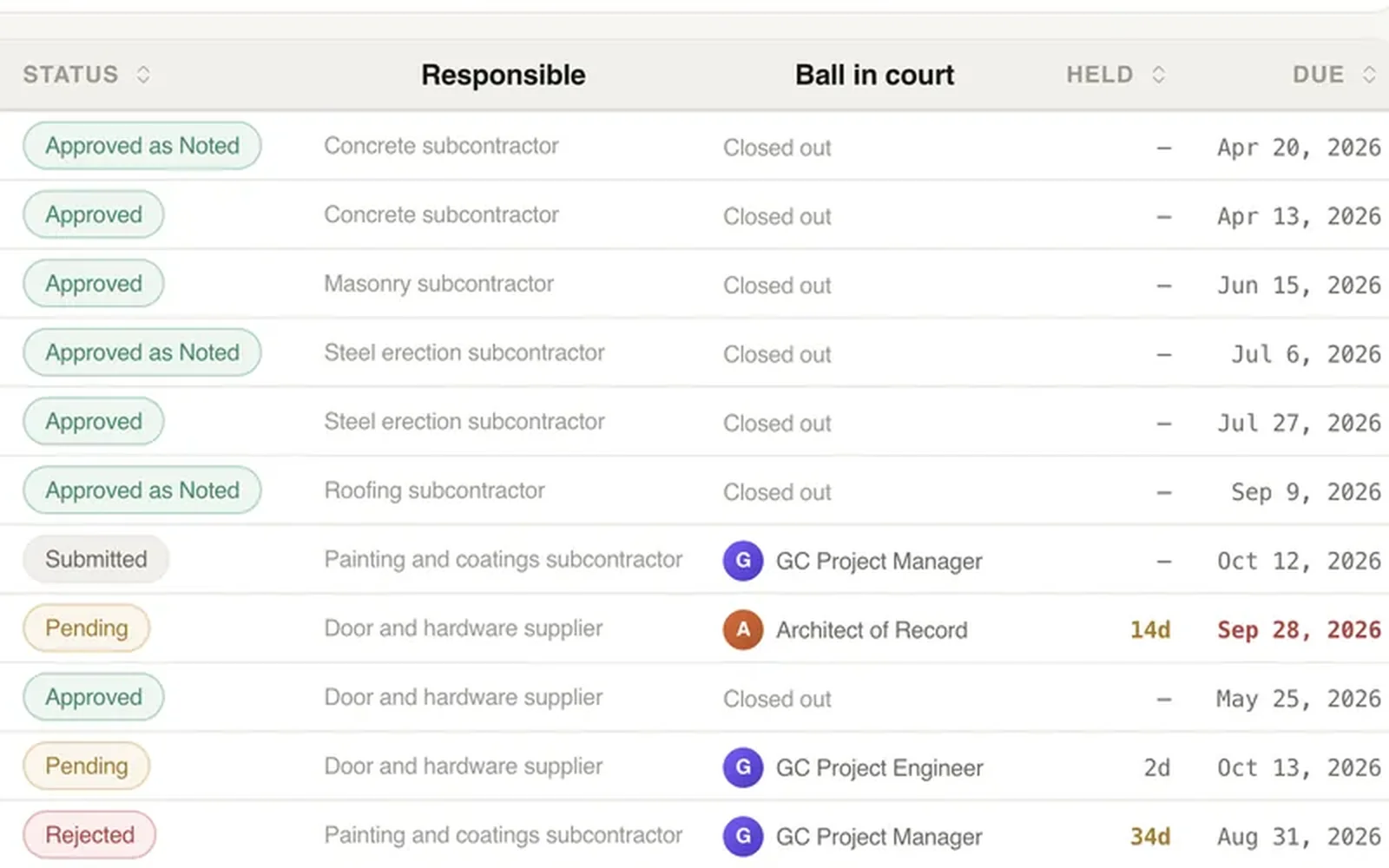
Every submittal and RFI with its spec section, who has it and when it is due.
On the job
Whose move it is and when it is due, on every submittal and RFI.
Ledger Financials
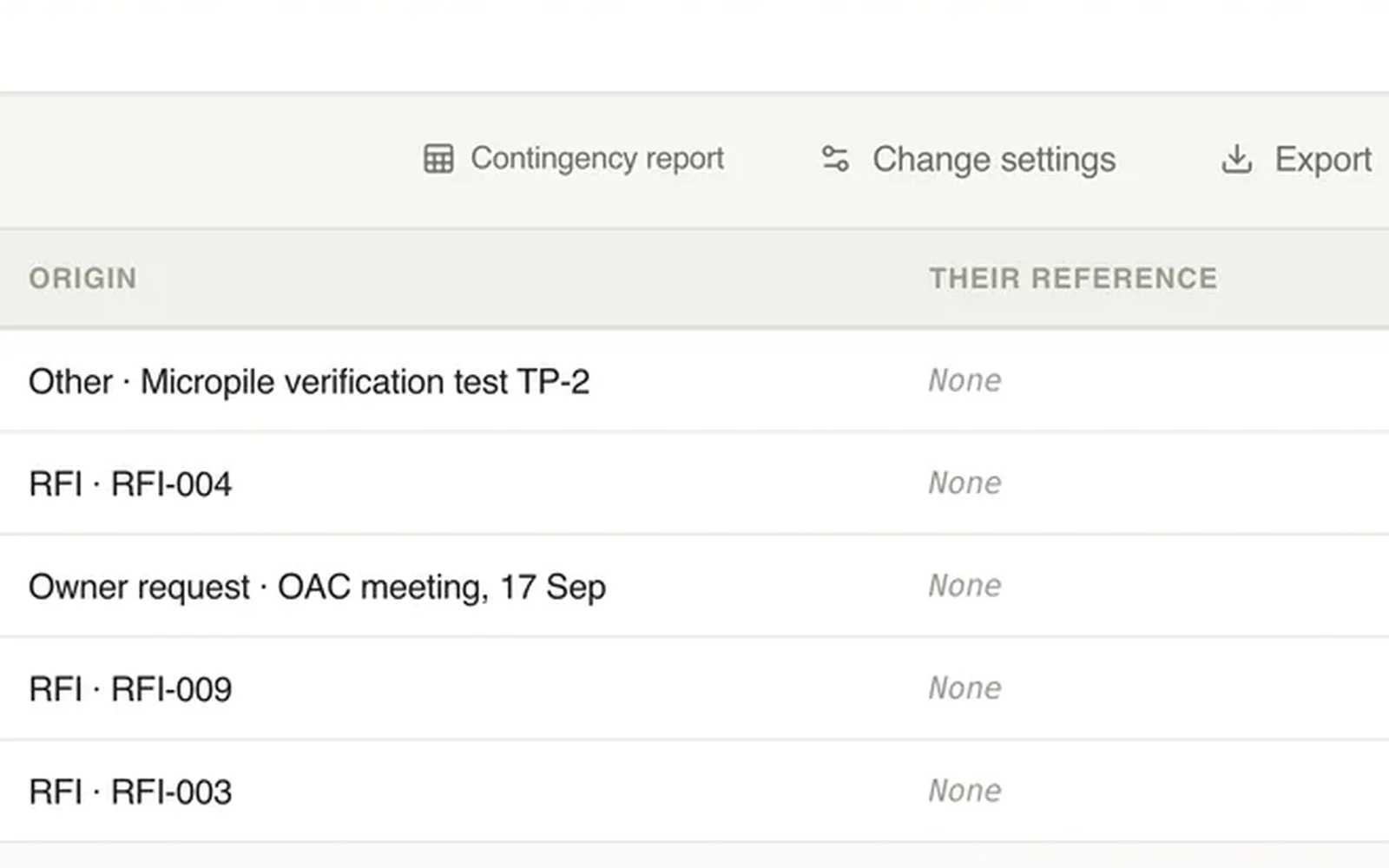
Budget, commitments, change events, pay applications and retainage on one set of cost codes.
On the job
A conflict found in the drawings becomes a change event that still points to the RFI it came from.
ACx Commissioning
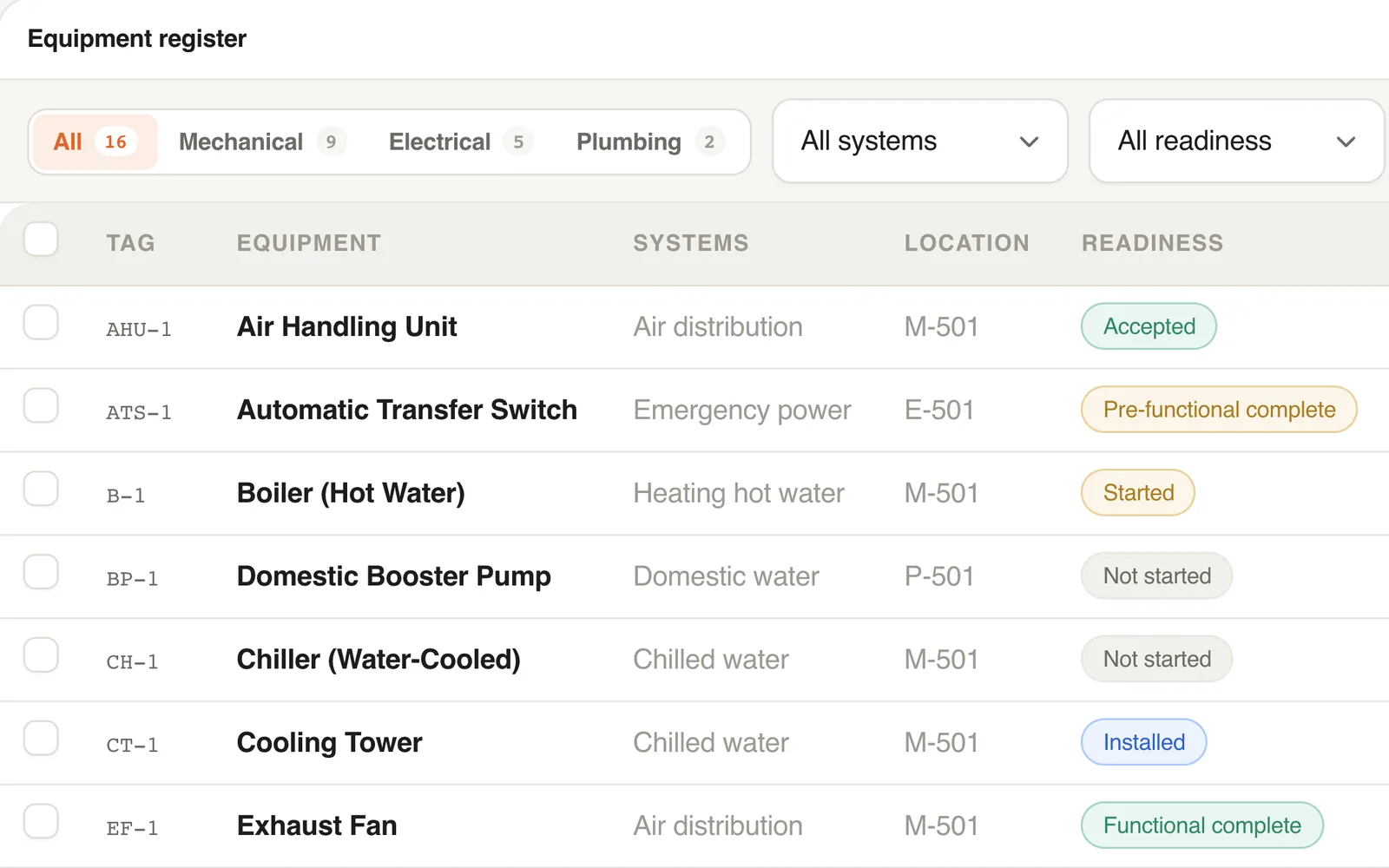
Equipment register, startup checklists and functional tests, checked against the design values.
On the job
A bad TAB reading goes back before the report reaches the engineer of record.
Real Struxen screens. Project details hidden.
Project management is free. You pay for the AI.
Problems Struxen is built to catch.
All three were in the drawings and missed.
- Where Struxen is built to catch it
- Where the project found it
$1M+
cost to fix
Undersized ductwork
Most of the ductwork was replaced.
Struxen checks each duct against the airflow it has to carry.
$100K+
cost to fix
Sewer couldn’t make the civil connection
A lift station had to be added.
Struxen compares the sewer depths on the civil and plumbing sheets.
$200K+
cost to fix
No humidity control
Two years of condensation, then new coils.
Nothing on the sheets conflicted. A gym needs reheat.
Real historical costs to fix, from anonymized projects, rounded.
Struxen builds it before you do. The build is the review.
Struxen doesn’t just compare PDFs, search for words or read for mistakes. It builds the project.
The agents build the project from your PDF drawings, step by step, the way a builder would. Whatever won’t go together is an error or omission in the set.
Built on field knowledge from working builders, not just the internet.
Built by AI agents from the PDF drawings.No BIM model. No Revit file.
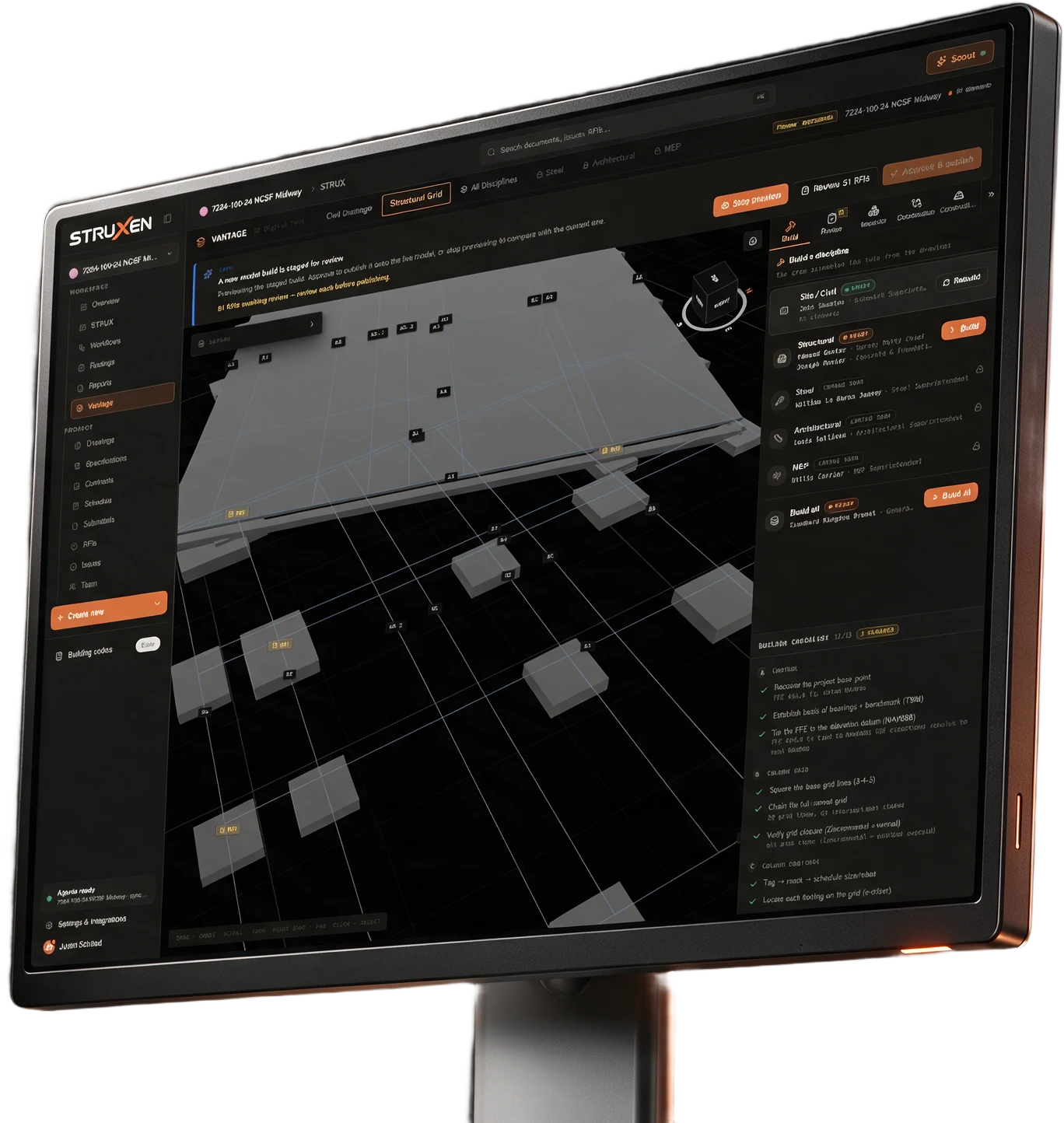
Every step is a check.
Square the grid. Close it. Set each footing on its line. A step that fails is a problem in the drawings.
Struxen Core Project management
Free.
Unlimited projects and users.
The agents work inside it, on the whole project record. No integration needed.
- Drawings
- Specs
- RFIs
- Submittals
- Schedule
- Daily logs
- Punch
- Meetings
- Inspections
- Photos
Questions a GC asks first.
Do I need a BIM model?
No. Struxen reads your PDF drawing set, specs, and submittals as they are.
What is free, and what do I pay for?
Struxen Core, the project management: drawings, specs, RFIs, submittals, schedule, daily logs, punch, meetings, inspections and photos. Unlimited projects and unlimited users, with nothing to pay to start. Only the lines you turn on, per project, per month: Ledger at $300, AI credits from $550, VANTAGE at $250 and ACx at $75. A project with none of them on is free. See pricing
Who sees my project data?
Two-layer authorization (organization role + project role) is enforced server-side on every API request. Trust Center
Put your next project on Struxen.
Project management is free. Turn on the AI agents when you’re ready.
For 20+ years, I watched problems that could have been caught on paper make it to the field. That’s why I built Struxen.
 Justin K SchaadFounder & CEOTalk to Justin