Choosing software
GC construction management software
What general contractors need construction management software to hold, from the project record to a constructability review, and how Struxen is arranged.
Constructability review software helps a general contractor find problems in the drawings before work starts. Here is what it is and how Struxen does it.
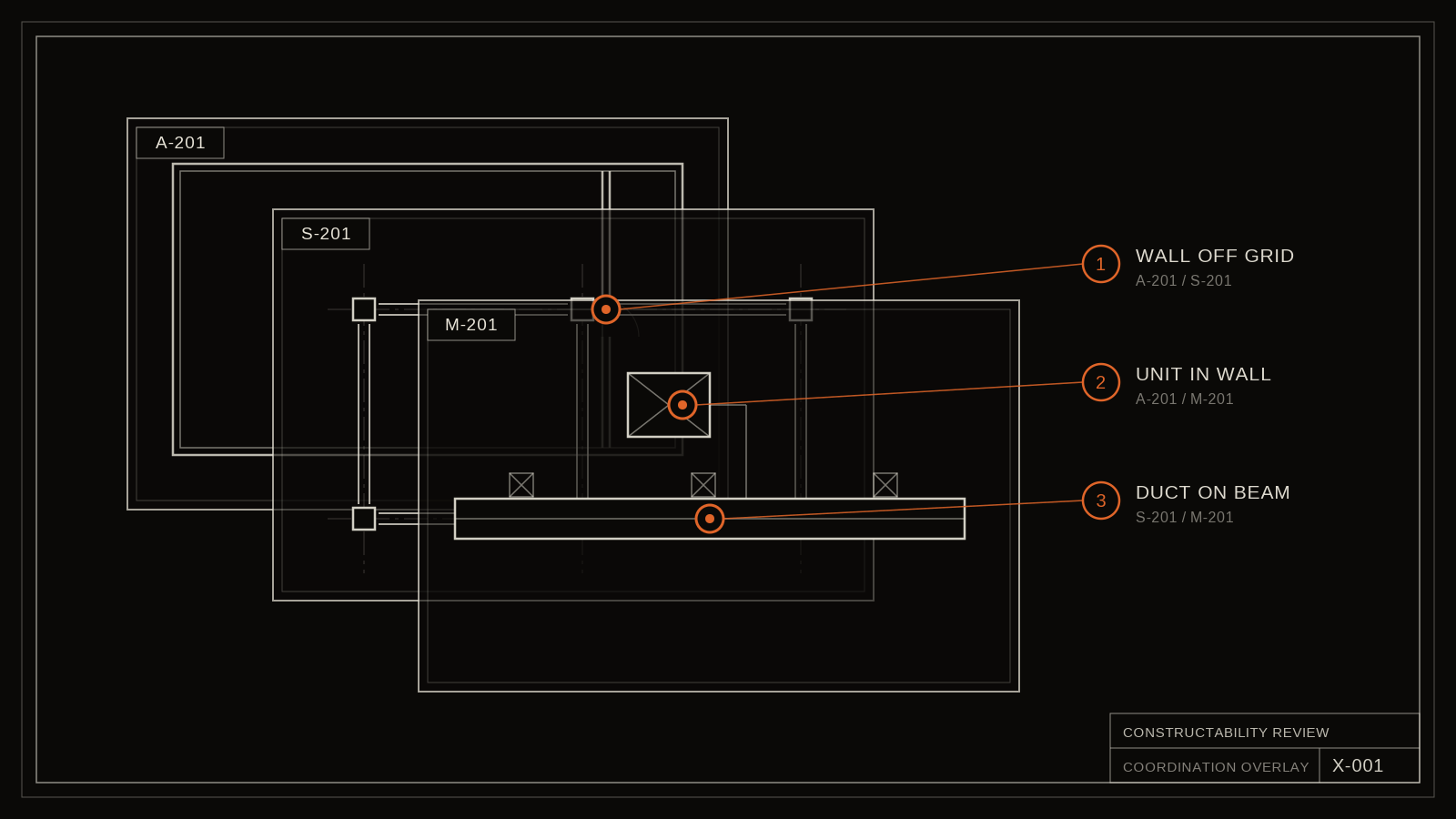
Constructability review software is a tool that helps a general contractor look at an issued set and ask a simple question: can this be built as drawn, on this site, without discovering the problems in the field?
That is different from software that only stores the drawings, and it is different from software that only compares one revision to the next. A constructability review is about the work itself. It looks for conditions that cannot be built as shown, places where one discipline disagrees with another, and information the trades will need that is not on the set.
This page is about the software, and about how Struxen approaches the work.
Most general contractors already have a way to hold drawings, specs, RFIs, and submittals. The review is a separate job. Someone has to read the set the way a builder would: start at the site and the grid, then move through structure, architecture, and the mechanical, electrical, and plumbing work, and stop when a step cannot be completed from what is on the sheets.
Software can help with that job in two ways. It can keep the current set in one place, so the review is not happening on an old PDF. And it can run checks across that set and return findings for a person to review.
It does not replace the superintendent or the project manager. A finding is a draft of a problem, not a decision. A person still has to look at it and decide what to do.
Some problems are on a single sheet, or between a schedule and a plan, and they will not wait until punch to show up. A duct that cannot carry the airflow assigned to it. A piece of equipment with no path to set it or service it. A condensate line drawn to a drain that is not there.
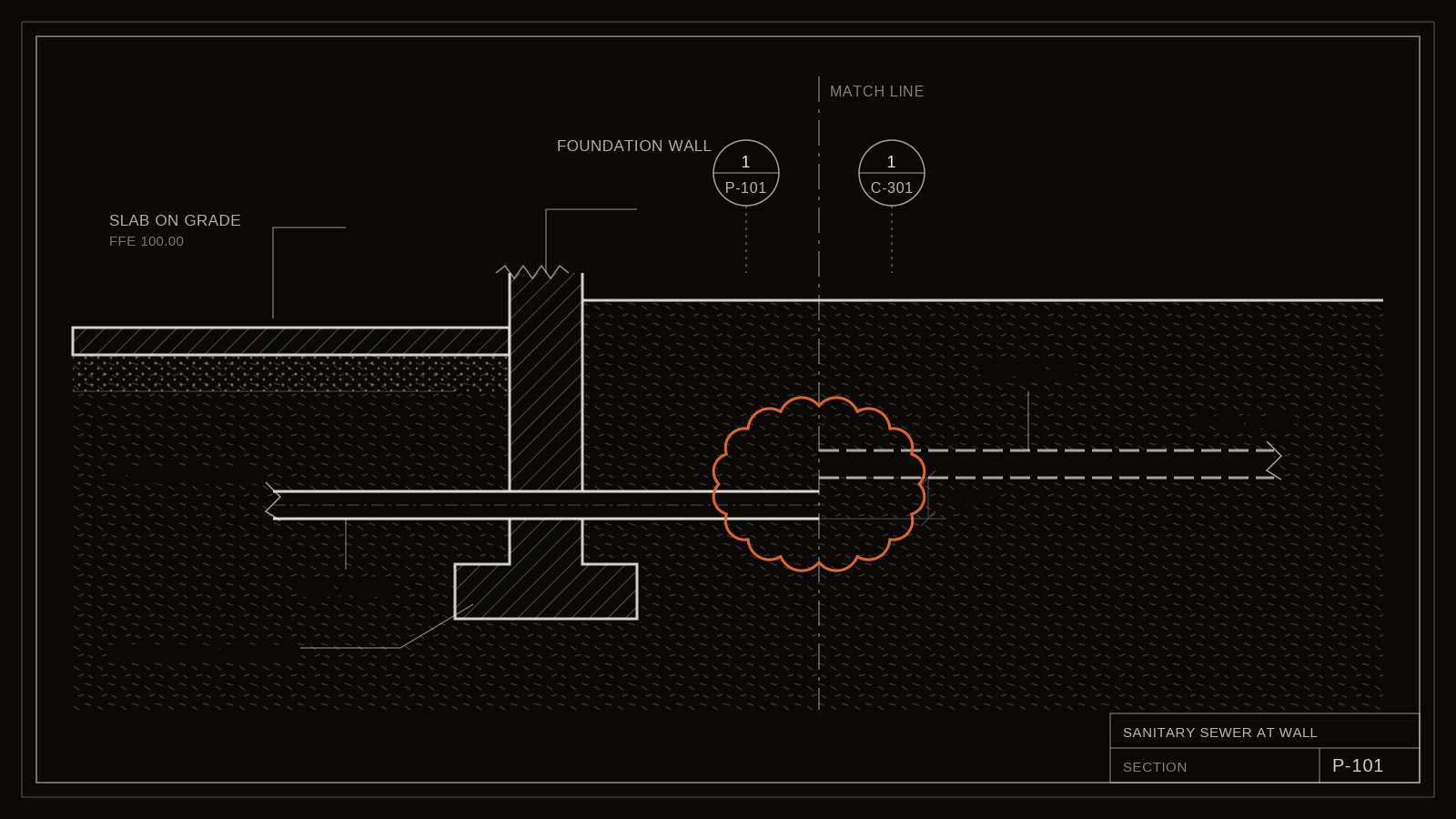
The Struxen homepage walks through three anonymized examples of this kind of problem, including undersized ductwork, a building sewer that could not make the civil connection, and a gymnasium with no humidity control. Those are the kinds of conflicts a constructability review is meant to catch while the work is still on paper.
A set is produced by more than one office. The architectural plans, the structural plans, and the mechanical, electrical, and plumbing drawings are often issued on different days. A beam and a duct can both be correct on their own sheets and still occupy the same space. A panel schedule can disagree with the load calculation. A spec section can call for one product while the drawing shows another.
A lot of RFIs are not about a clash. They are about a missing detail, a note that was never finished, or a piece of equipment that has no sequence of operation. The review should record those gaps instead of assuming someone in the field will invent the answer.
A few questions are enough, and they do not require a vendor bake-off.
Does it work from the issued PDFs, or do you have to bring a model that the design team may not be ready to share? For many general contractors, the set arrives as PDFs. If the software cannot start there, the review waits.
Does it try to build the work from the drawings, or does it only search for words and compare files? Searching the set is useful. It is not the same as walking the job on paper, step by step, and stopping when a step fails.
Does a person review every finding before anything is issued? Agents can draft. They should not send an RFI, close a punch item, or change a schedule on their own.
Does it invent a dimension or an elevation that the drawings did not print? If a contour cannot be tied to a label, the honest result is that the software cannot tell, not a guessed number.
Struxen's identity is a constructability review system. SI agents build the project step by step, the way a builder would.
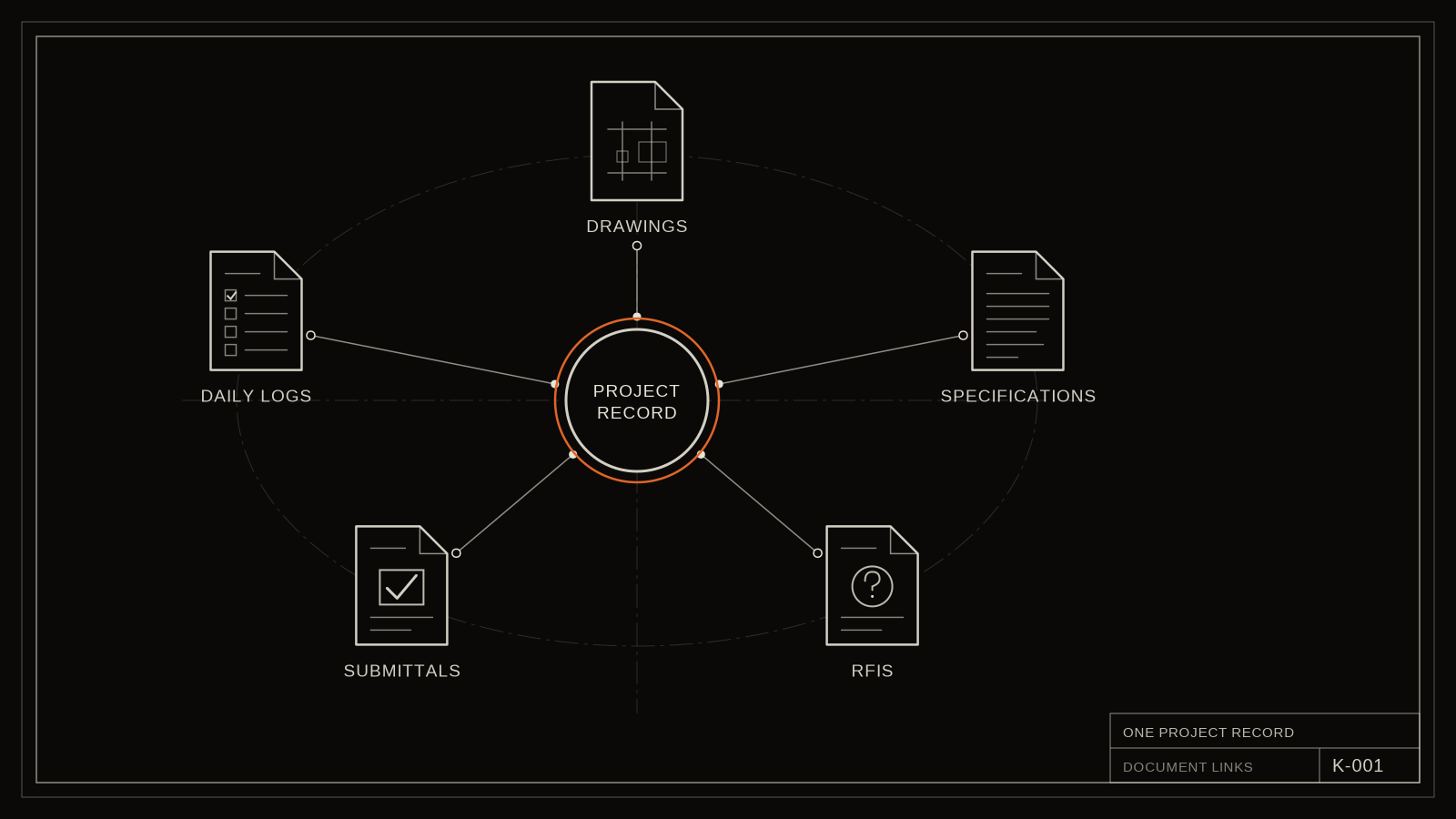
Struxen Core holds the record of the job: drawings, specs, RFIs, submittals, schedule, daily logs, punch, meetings, inspections, and photos. Project and document management is free. The details are on the pricing page.
STRUX reads the drawing set so you can search it. It also drafts RFIs and checks submittals against the spec. A person approves every draft. An agent cannot edit an RFI, close a punch item, or change a schedule. If a number is not in the documents it read, STRUX says the number is not there.
PDFs are enough. You do not need a Revit file to start.
VANTAGE is the constructability review. SI agents work through the drawings the way a builder would and report what cannot be built as drawn. You receive findings, not a model.
The how it works page describes the sequence. You upload the drawings and specs as issued. The agents read the sheets and work the project one discipline at a time. A step that fails points to a problem in the drawings.
The review runs in a fixed order, so each step is the framework the next one depends on, whatever order the files were uploaded in. A dimension or elevation comes only from what the drawings print. Where a drawing leaves a gap, the gap is recorded and listed rather than hidden.
The VANTAGE page lists the checks in a run. They include a mechanical and HVAC review (equipment schedules against plan callouts, duct sizing against scheduled CFM, piping, outdoor air and exhaust, and sequences of operation), an electrical review (panel schedules, one-line consistency, emergency and standby power, and power to mechanical equipment), a life safety and egress review, a check of each discipline's specifications against its drawings, a structural coordination review, and a cross-discipline review of ceiling plenums, equipment rooms, shafts and risers, and conflicting notes.
A run reads the project's processed documents, equipment records, schedule, and RFIs and submittals. You can also run your own checklist, and describe a check in plain language so the run plans its own set of checks.
The knowledge those agents work from is Struxen Lattice: built from the field knowledge of working builders, not from software developers.
Findings land in one queue, whichever check produced them. Before they are published, a second, stronger SI agent reviews the high and critical ones. It shows each finding in the review where it happened, so a person can review it and decide.
A person accepts a finding, dismisses it, or resolves it. If it should become an RFI, Struxen drafts the RFI from the finding and opens it for editing before anything is created. Nothing is sent without a person.
A run that finishes with no findings means those checks did not surface anything in the documents they read. That is the result of one checklist against one document set. It is not a clean bill of health for the project.
Struxen is invite only. If you want to use Struxen, or use the review on your project, request access.
No. PDFs are enough. No Revit file is required.
No. Agents draft. Nothing is sent without a person.
Findings. A person reviews each one and can accept it, dismiss it, or have an RFI drafted from it to edit before anything is created.
For how errors and omissions show up in the field if they are missed, see errors and omissions in drawings.
Choosing software
What general contractors need construction management software to hold, from the project record to a constructability review, and how Struxen is arranged.
Drawings and revisions
How errors and omissions in construction drawings reach the field, what it costs when they are found late, and how Struxen is made to find those problems.